A terminal GUI framework
for .NET.
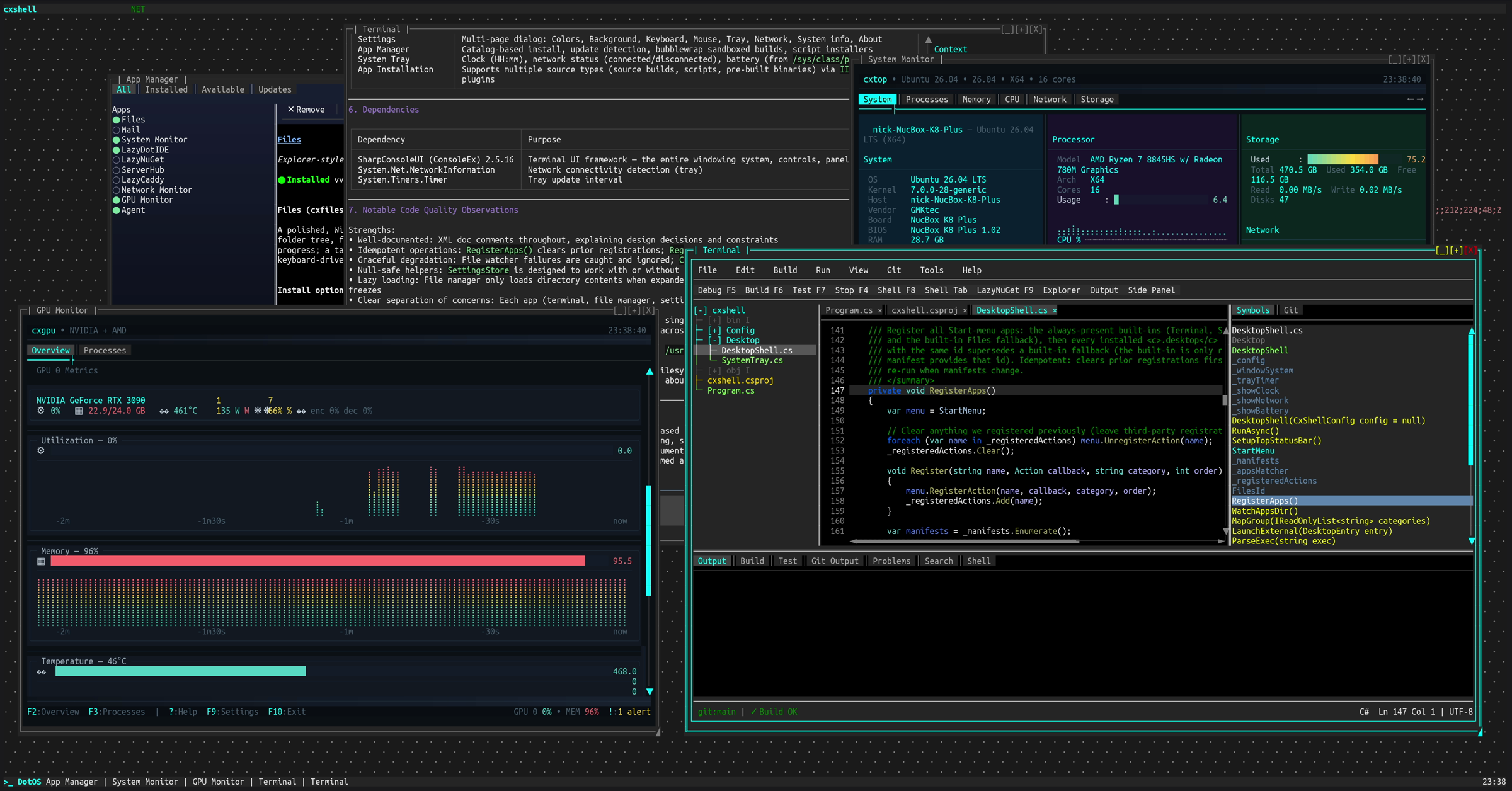
Overlapping windows with per-cell alpha blending, a Measure→Arrange→Paint layout pipeline, and a compositor that only redraws what changed. A single UI thread owns rendering and input; work that must not block it goes on a per-window background task.
dotnet add package SharpConsoleUI
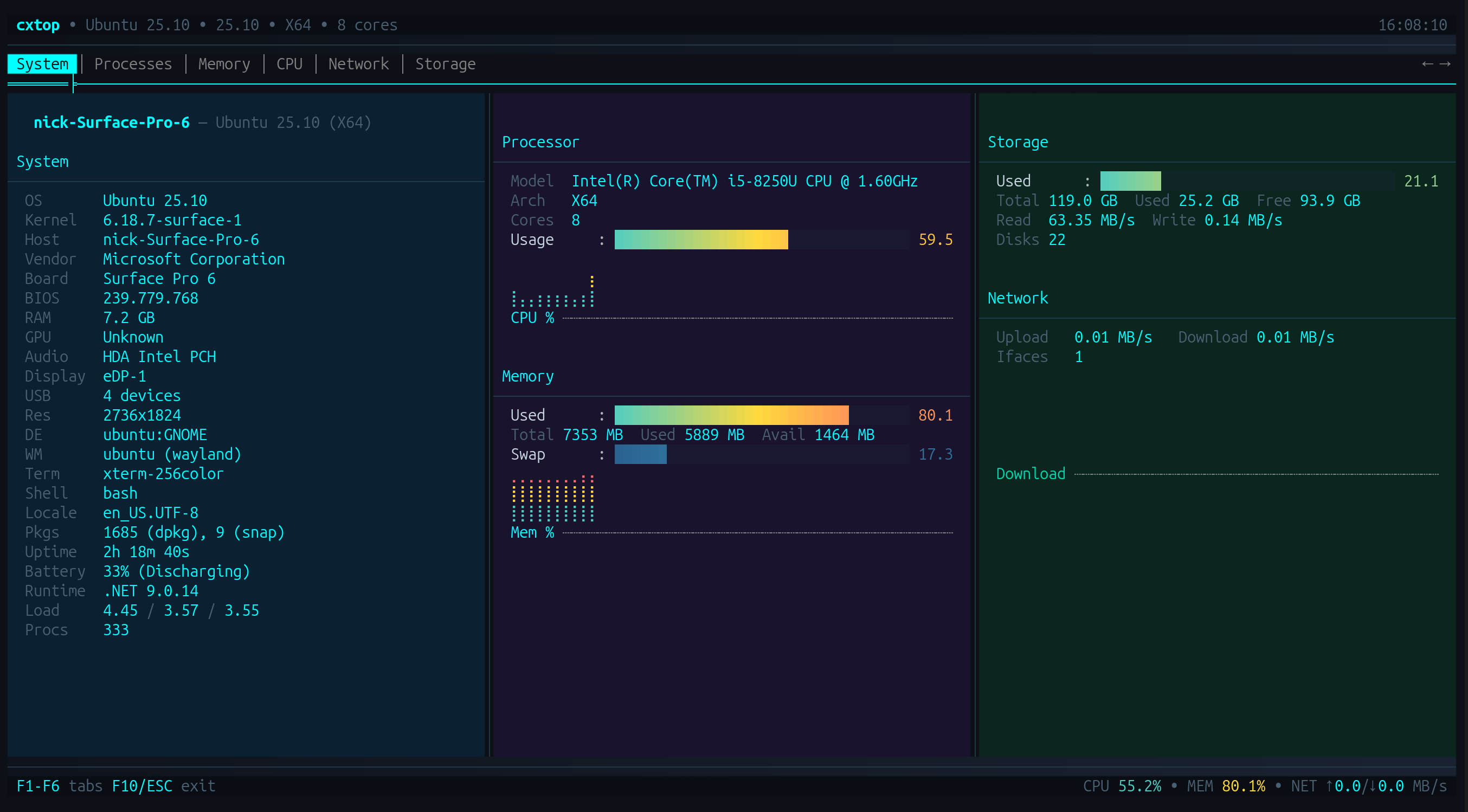
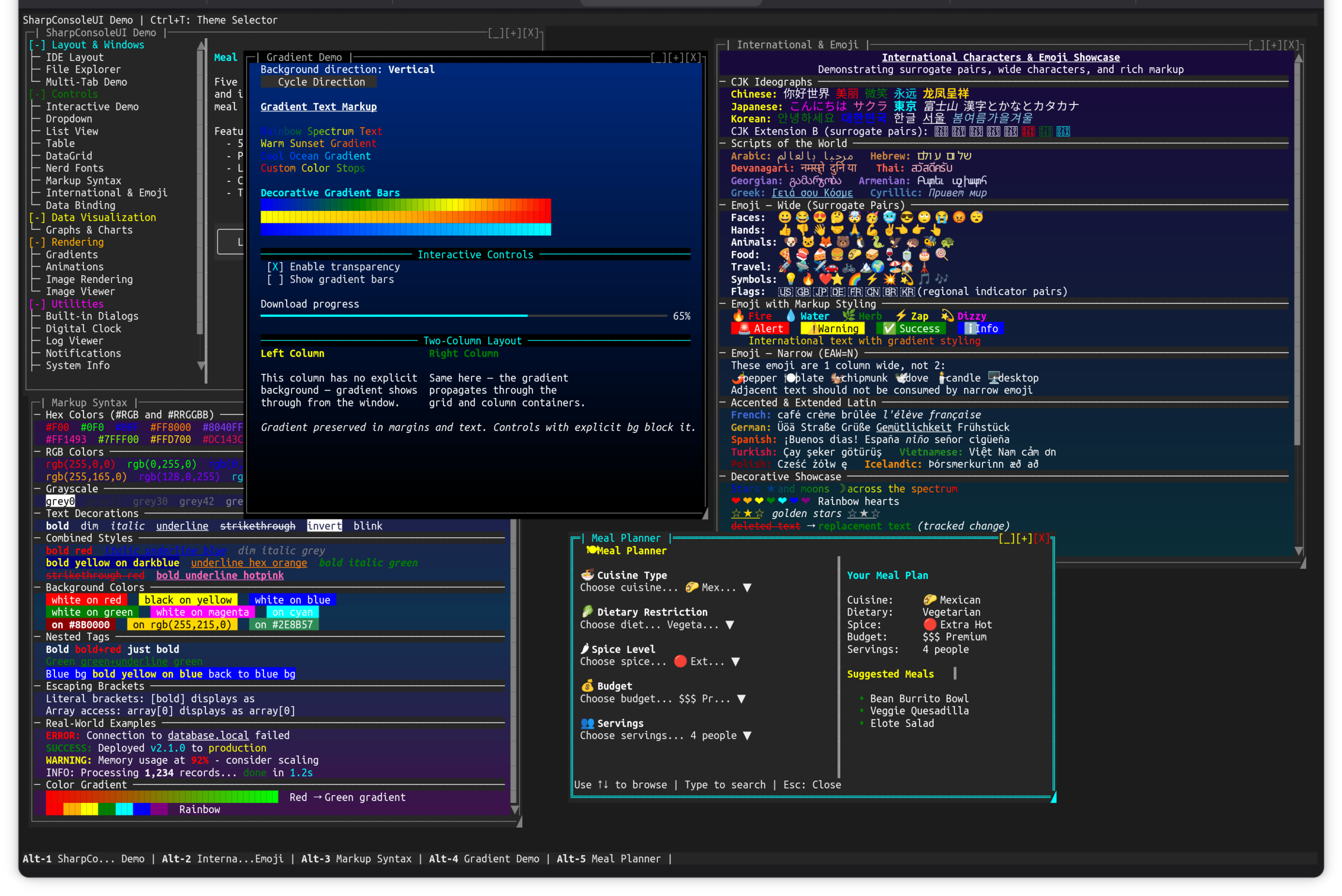
A real compositor
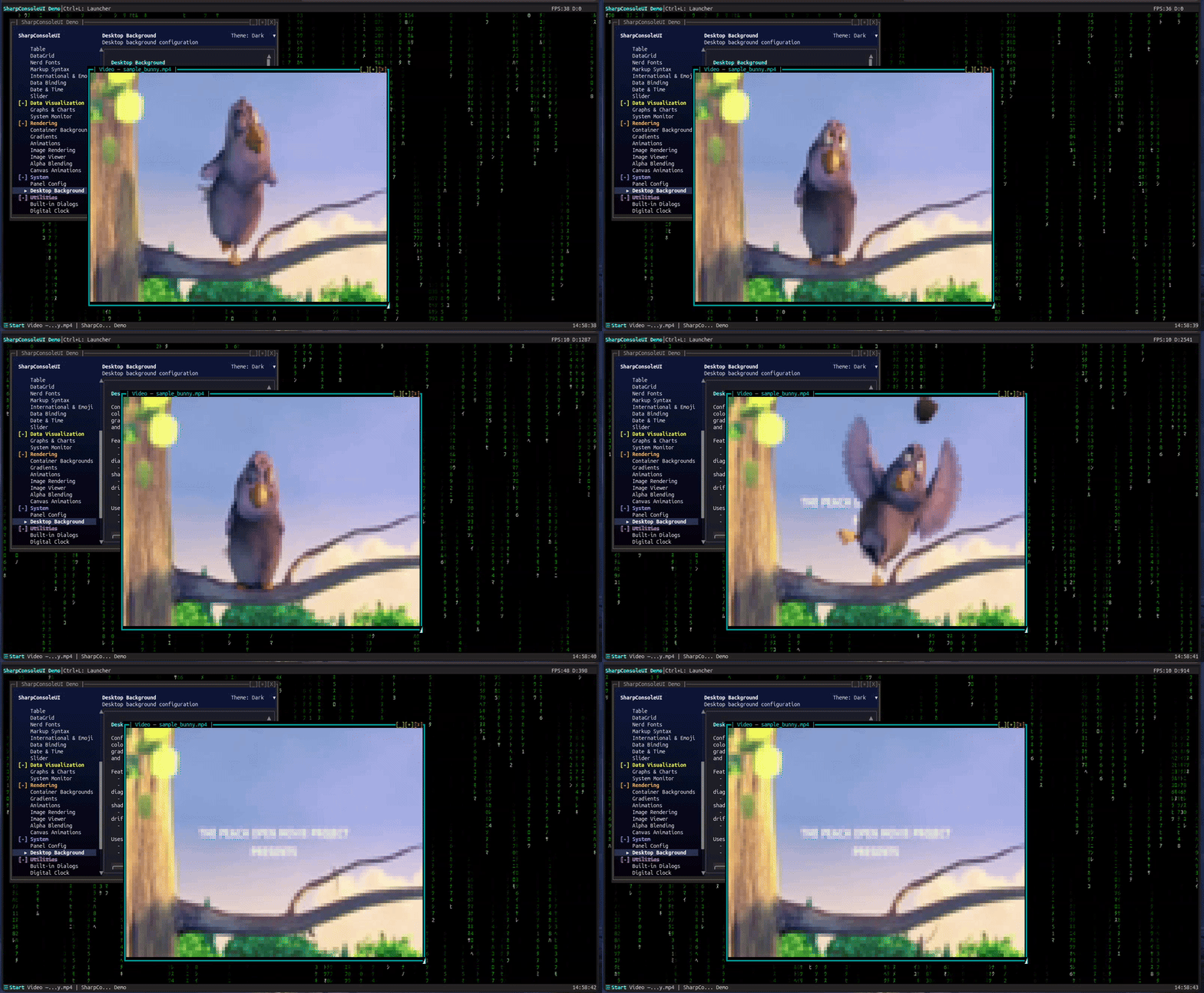
Each window owns a cell buffer. The compositor merges them with occlusion culling and per-cell Porter-Duff alpha, so transparency and overlap are a property of the system rather than something each control fakes.
Alpha blending →Diff-based output
Rendering goes to a cell buffer, not to stdout. Only changed cells are written, so the output is as clean over SSH as it is locally — latency follows what changed, not the size of the screen.
Rendering pipeline →Inspectable from outside
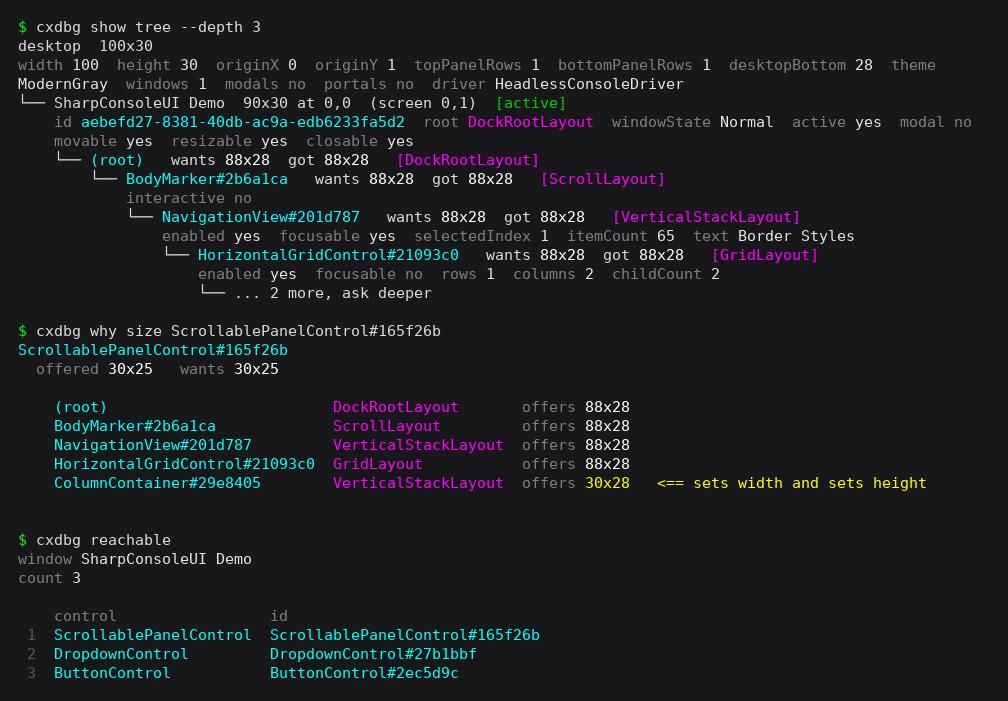
A running app answers questions over a socket: what the screen shows, what layout believes, why a control is the size it is. Then it takes real keys and clicks.
The socket protocol →Forty-seven controls
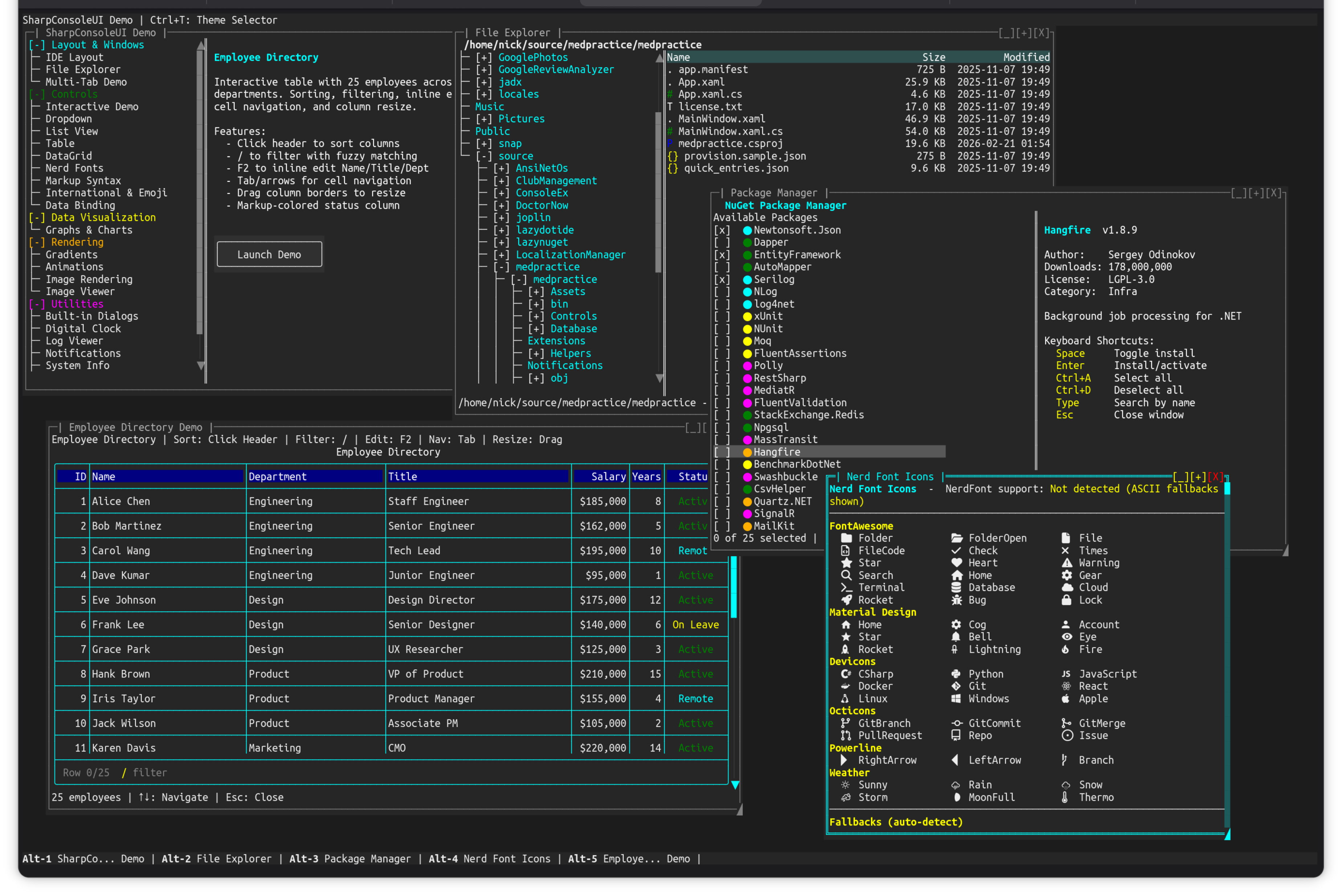
Tables with virtual data sources, trees, charts with two axes, an HTML browser, a terminal emulator. Every one themeable, every one a page of its own.
Browse them →Themed by role
A control declares what it IS - Primary, Success, Danger - and the theme decides what that looks like. One choice, coordinated colours, derived per theme.
Theming →Markup everywhere
Twenty-nine controls parse inline styling: colour, weight, slant, gradients across a run of text, and links that open. Not a separate rich-text widget.
Markup syntax →A UI thread, and a task per window
A single UI thread owns rendering and input; work that must not block it goes on a per-window background task, with marshalling back to the UI thread handled for you. A slow window does not freeze the others.
Threading →Runs headless
No terminal, no pty. The same application serves a browser, answers a socket, or runs in CI with nothing attached to it.
Drivers →NativeAOT
The full control set publishes as a self-contained native binary - verified on every push by a gate that publishes it and runs it.
NativeAOT →A terminal app is the one program you cannot printf-debug.
The screen is the output, and a Console.WriteLine corrupts the thing you are trying to read. So the app answers over a socket instead — and cxdbg is the debugger that speaks it.
Ask what the layout engine believes, ask which container decided a control's size, then drive the app with real input through its own dispatch.
dotnet tool install -g cxdbg
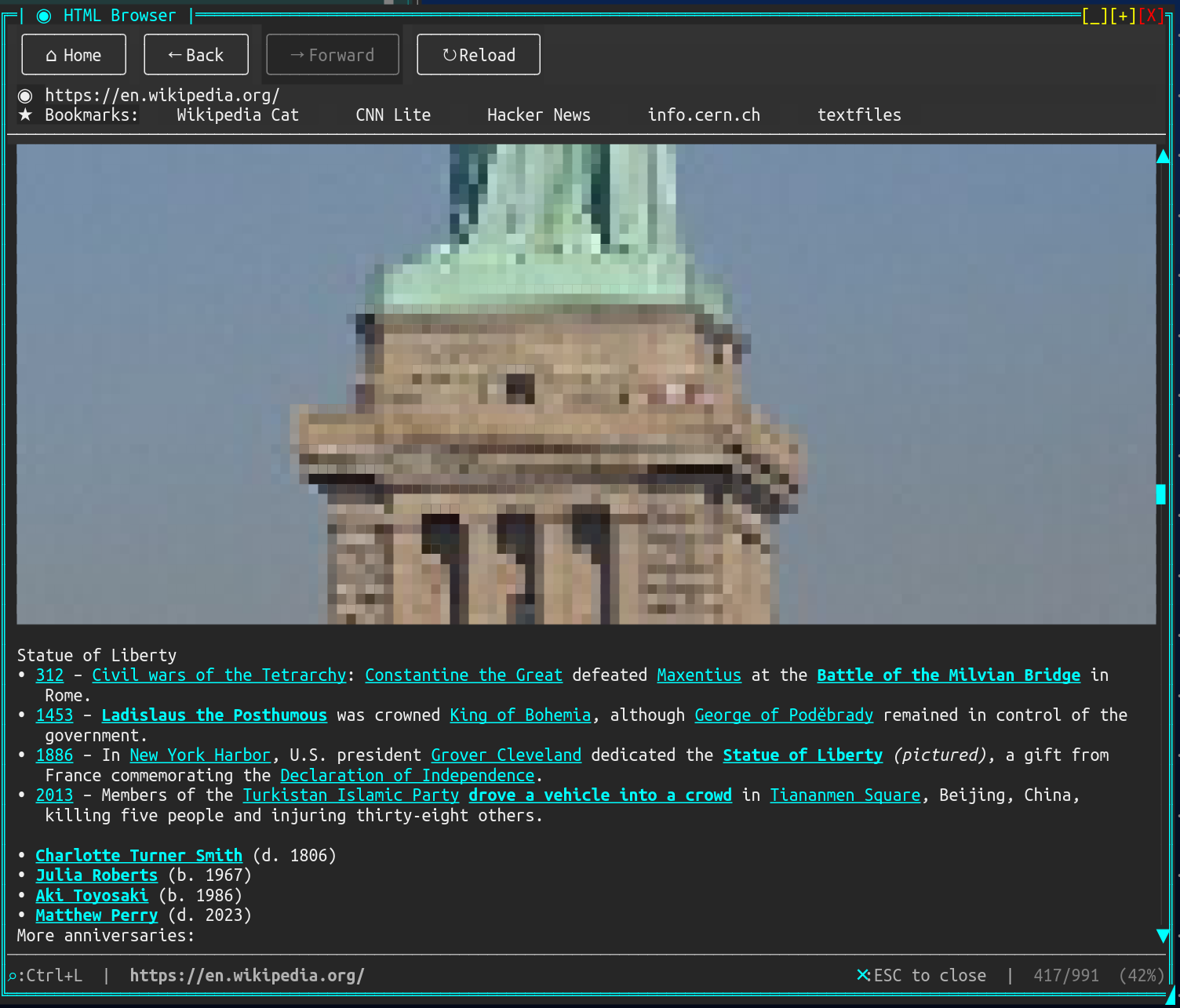
Things a terminal is not supposed to do.
An HTML browser. AngleSharp parses real markup, a layout engine handles block, inline and table, and images render as half-block pixels. Point it at Wikipedia and it renders Wikipedia.
A video player. FFmpeg decodes, Kitty graphics draw it where the terminal supports them, and half-blocks, ASCII or braille where it does not - picked automatically.
A real terminal. TerminalControl hosts another terminal application inside a window, each with its own pty and full ANSI. A TUI running inside a TUI - on Linux, and on Windows 10 1809 or newer.
Applications people actually run
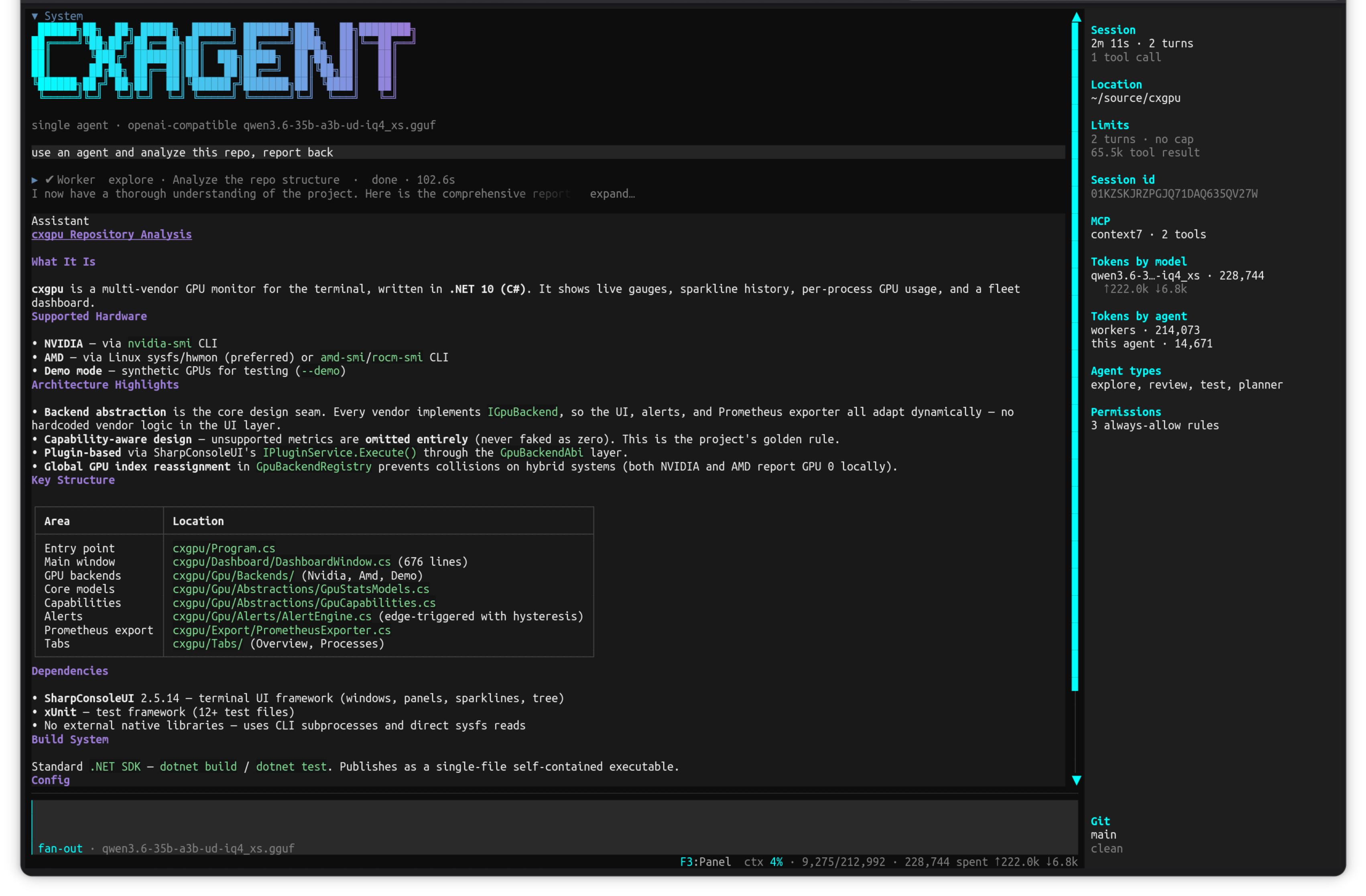
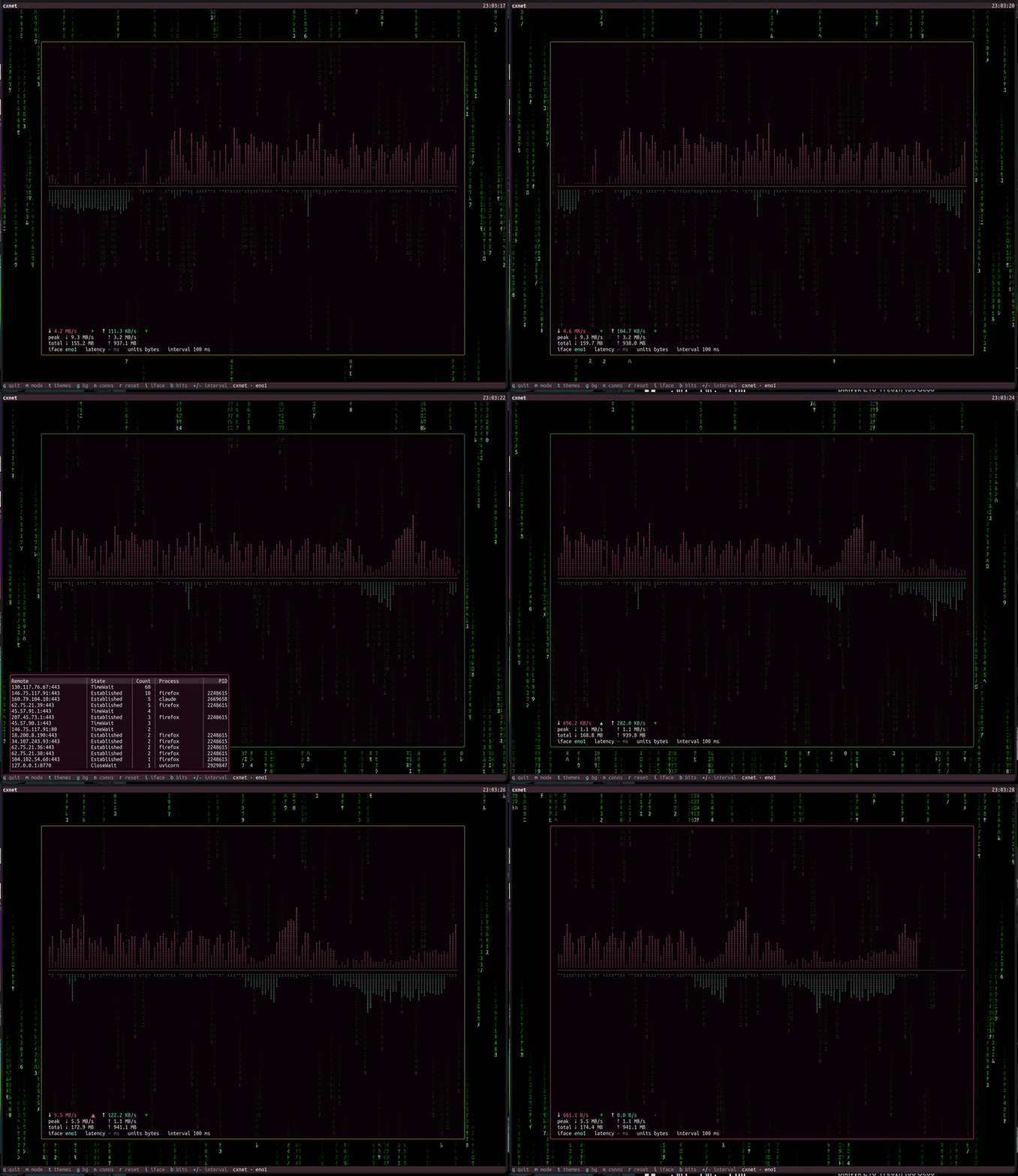
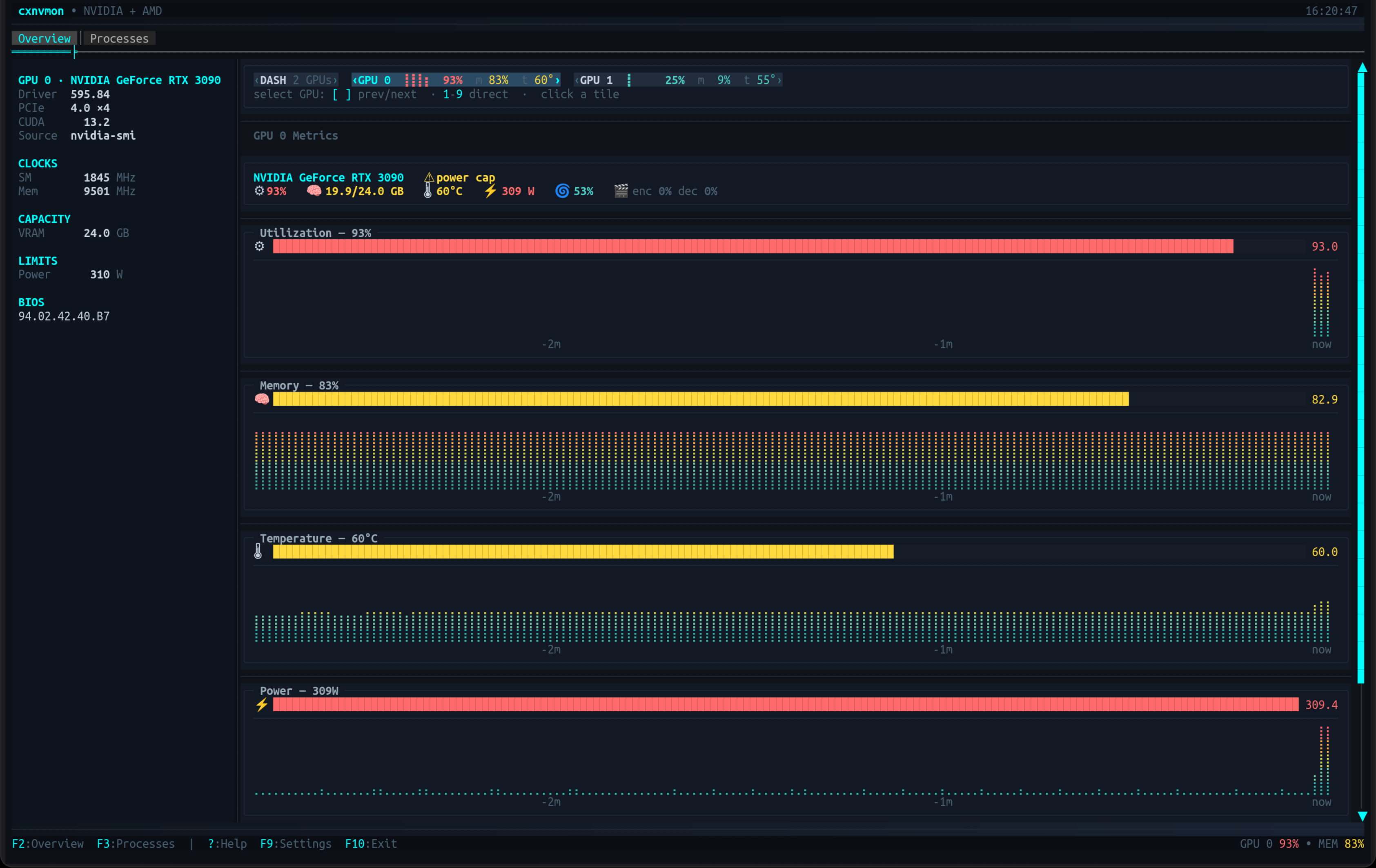
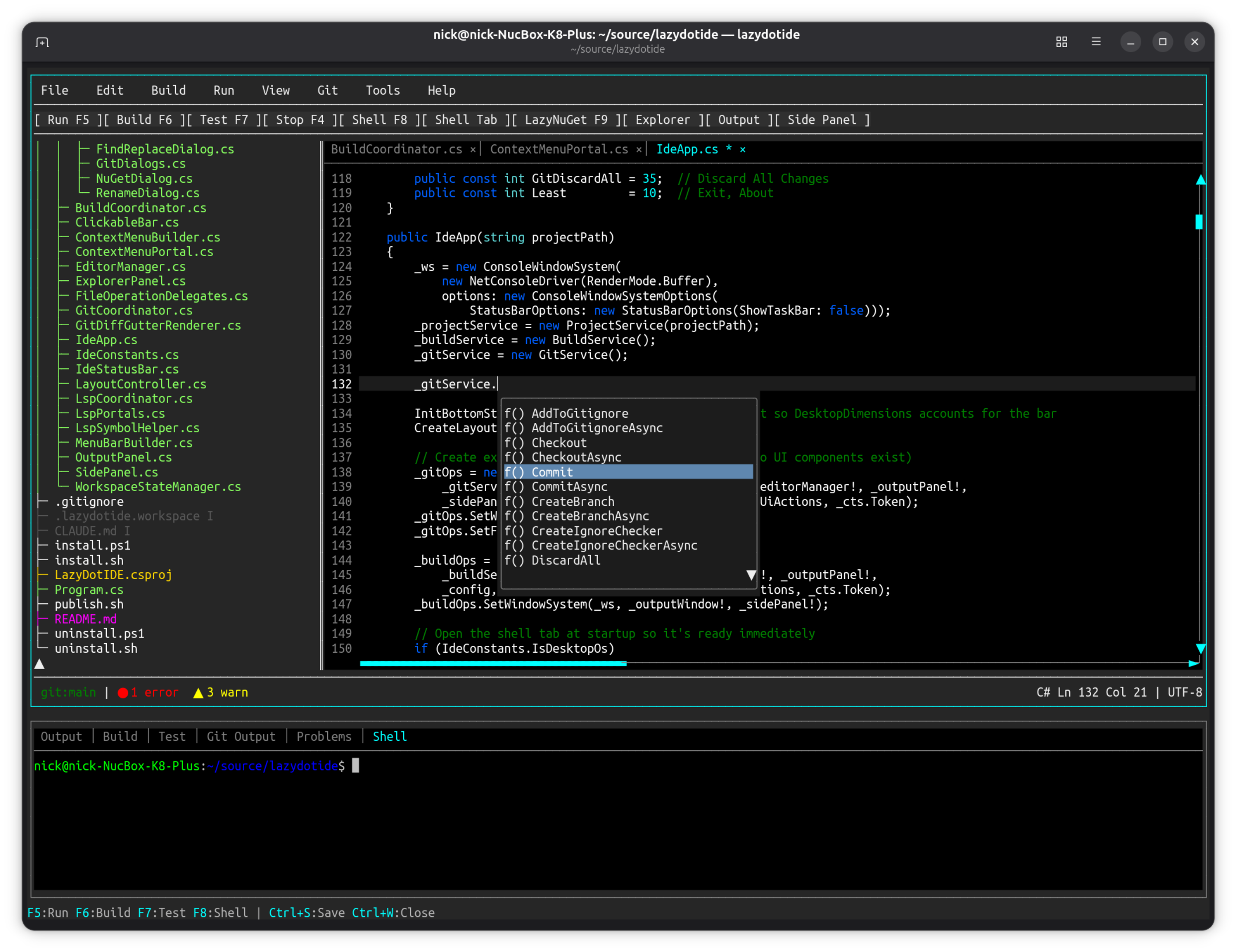
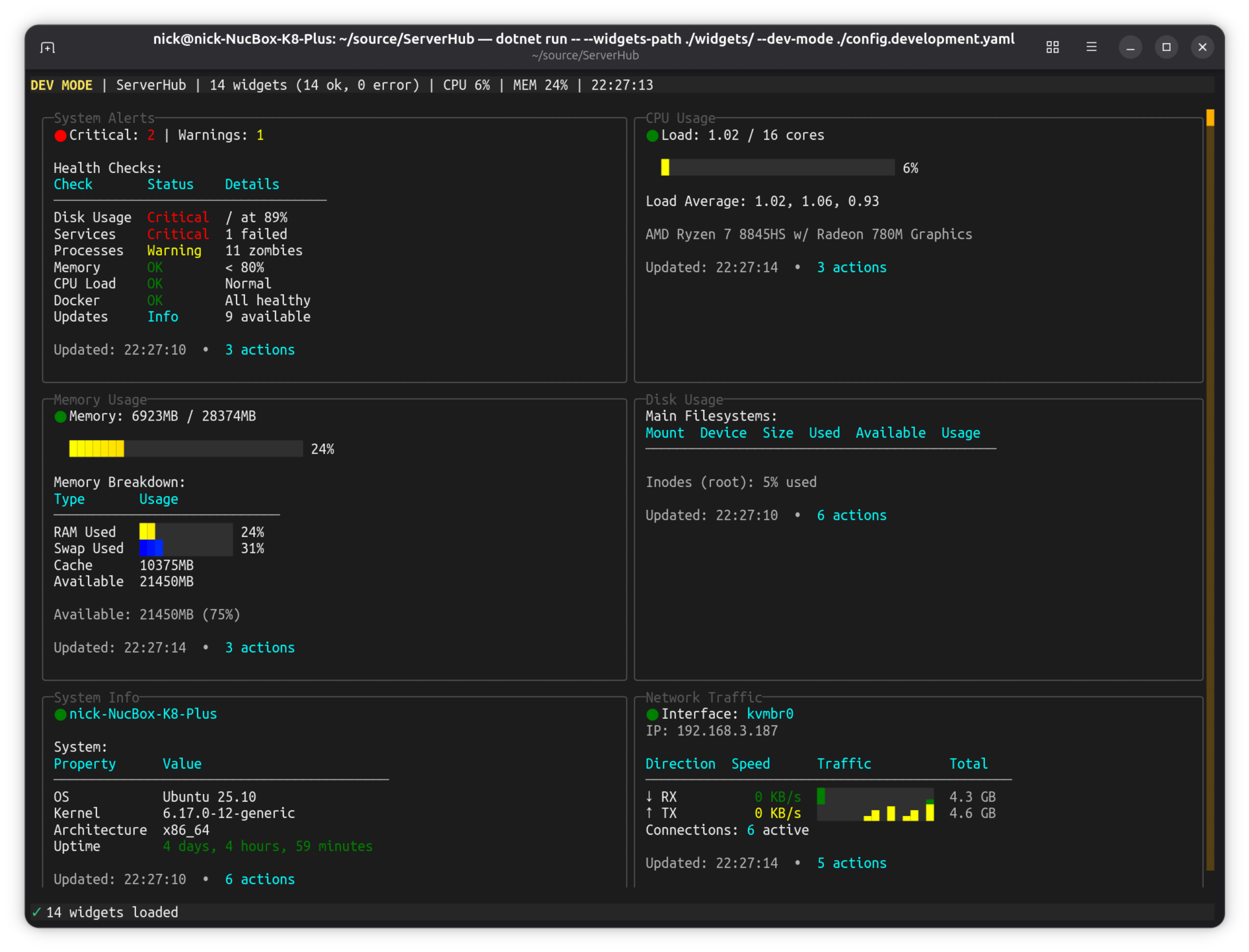
Not demos. Dashboards, IDEs, system monitors and database clients, shipped as real tools.